Leave The Manual Business Tasks
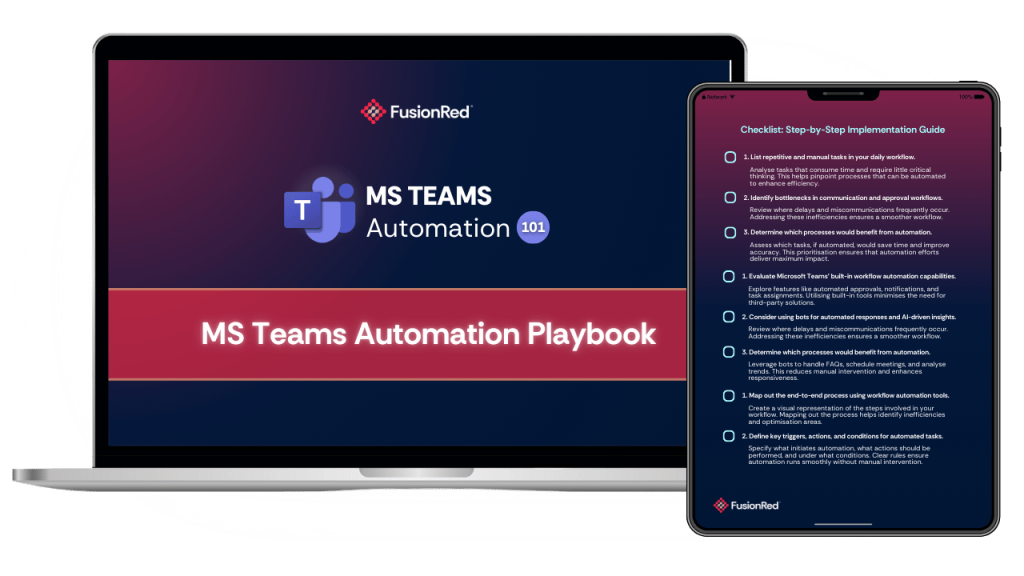
Download our MS Teams Automation Playbook!
Tired of wasting time on repetitive tasks in Microsoft Teams? Unlock the power of automation and take your business efficiency to the next level!
Download our free MS Teams Automation Playbook: Your step-by-step playbook to streamlining workflows, reducing errors, and boosting productivity.
Business efficiency is key. Download your free guide now!
Turn Your Data into Live Dashboards!
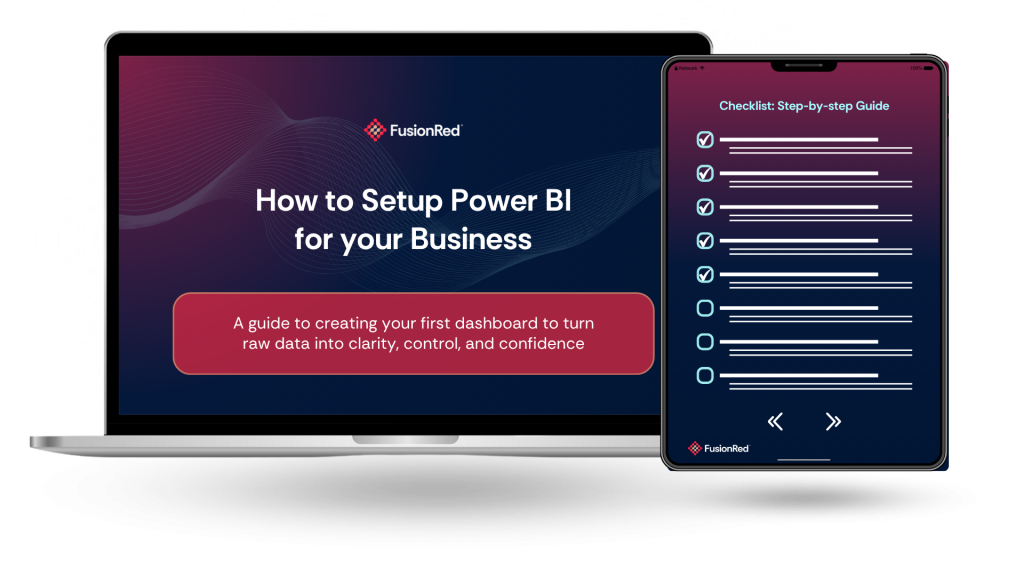
This free guide is designed for small to medium business leaders who want to stop relying on manual excel/spreadsheets and start making data-driven decisions.
Inside, you’ll find a clear, practical roadmap to install, connect, visualise, and share dashboards (with bonus tips to scale wisely). Use it to accelerate your Power BI deployment, avoid common pitfalls, and turn your business into an insight-driven machine.
What You’ll Get:
- How to install Power BI Desktop and connect it to your existing business data sources
- The essential steps to clean, model, and relate your data for accuracy
- How to build engaging visuals and dashboards tailored for your team
- How to publish reports, set up auto-refresh, and share dashboards securely
- Bonus tactics to scale your deployment, protect your data, and drive adoption
- A ready checklist to avoid setup gaps and get your dashboards live fast
Don’t stay trapped in reactive reporting. Your data deserves clarity, and your decisions deserve confidence.
Introduction
Most business owners did not start their business to spend their time sorting out spreadsheets. But here they are every month, buried in Excel files, chasing missing numbers, and trying to make sense of reports that take forever to assemble.
If you feel like your business is drowning in spreadsheets, you are not alone. Most SMBs rely on Excel to track sales, finances, operations, staffing, and almost everything else. It works at first, but as the business grows, Excel becomes harder to manage.
The challenge is not the data. You already have plenty of it. The real problem is visibility.
-
Reports take too long to build
-
Teams use different versions of the same file
-
Decisions rely on gut feel
-
Monthly reporting eats up valuable time
Inside Microsoft 365, there is a tool built to solve these problems: Power BI. This blog breaks down what Power BI is, why SMBs should care, and how you can use it to get clarity without complexity.
The Real Problem SMBs Face With Spreadsheets
Traditional reporting looks like this: someone collects numbers from different files, cleans them, arranges them, builds charts, and sends a report. By the time it reaches the decision-maker, the information is already old.
This creates several hidden drains:
-
Time loss: manual reporting consumes hours or days
-
Delayed visibility: leaders wait until month end for clarity
-
Disconnected data: every department has separate files
-
Mistakes: version errors and missing data create unreliable numbers
-
Stress: decisions rely on gut feel
In our 20+ years of partnering up with businesses, we see this pattern across Australia’s SMB landscape. The tools and data are there, but clarity is missing.
What is Power BI? (Explained Simply)
To put it simply, Power BI is Microsoft’s data visualization tool that turns spreadsheets into live dashboards. If Excel records numbers, Power BI helps you understand them.
What Power BI actually does:
-
Connects your data from Excel, SharePoint, Teams, CRMs, POS, and more
-
Updates dashboards automatically
-
Shows your business at a glance
-
Fits within Microsoft 365
-
Removes manual reporting
Power BI is not a complex system. It is a clarity tool you already own in your Microsoft ecosystem.
Everyday Use Cases for Business
Most SMBs already collect plenty of data through daily operations, but the challenge is turning that information into something clear and usable. Power BI gives every department a way to see what is happening in real time, instead of relying on scattered files and manual reports. Here is how different parts of a business can benefit.
1. Sales
Sales teams rely on clear and timely insight to know whether they are on track, where opportunities are growing, and where attention is needed. Before Power BI, most of this visibility comes from scattered reports that arrive too late to influence daily decisions. With Power BI, sales managers and business owners get a live and reliable view of what is happening right now, not last week. This includes:
-
Live revenue tracking
-
Team performance
-
Pipeline insights
2. Finance
For finance teams, accuracy and timing matter. They need a clean view of cash flow, spending, and budgets to guide leadership decisions. Instead of reconciling different spreadsheets or waiting for updated files, Power BI brings all financial data into a single source of truth that updates automatically. With this, finance teams gain clearer visibility through:
-
Cash flow visibility
-
Expense tracking
-
Budget vs actual comparisons
3. Operations
Operations depend on smooth processes, timing, and predictable workloads. When information lives in separate systems or spreadsheets, delays and bottlenecks become harder to see. Power BI helps operations teams get ahead of issues by revealing trends and workload patterns as they happen. Some of the insights they gain include:
-
Stock levels
-
Service delivery metrics
-
Team workloads
4. Management
Executives and business owners need clarity without digging through multiple reports. Power BI provides a consolidated, high level view of the entire organisation so leaders can make confident decisions supported by live insights. This gives management access to:
-
One dashboard for all KPIs
-
Clear view of strengths and bottlenecks
-
Better planning and forecasting
These scenarios were demonstrated in our educational video about Power BI, showing how powerful simple changes can be. (Watch the full video here)
Breaking the Myths About Power BI
Myth 1: It is only for big companies
False. SMBs use it daily.
Myth 2: It is complicated
You can start by connecting Excel. No coding needed.
Myth 3: It is expensive
Many Microsoft 365 plans already include access.
Myth 4: It takes a long time to implement
Simple dashboards can be built within minutes.
Here at FusionRed, our goal is to help your business make the most of your Microsoft ecosystem, and help you remove the fear around tools & softwares like Power BI, and finally make it approachable for you and your team.
Make it Easier with Our FREE Downloadable Guide
Ready to bring Power BI into your business but don’t know where to begin?
That’s exactly why we created How to Set Up Power BI for Your Business, a free guide designed to help you create your first dashboard without the confusion or steep learning curve.
Inside the guide, you’ll discover:
-
How to connect Power BI to the data you already have
-
Practical steps to build a clean and simple dashboard
-
Tips for turning raw numbers into meaningful insights
-
Ways to reduce manual reporting and improve visibility across your team
Download your free guide today and start transforming your data into live & modern dashboards!
FAQs
Question: Why do SMBs struggle to make sense of their data?
Answer: Most SMBs rely on spreadsheets that were never designed to support fast moving teams. When numbers live in separate files and reports need manual work every month, leaders lose visibility and miss opportunities for growth.
Question: Do I need new software to start using Power BI?
Answer: Not necessarily. Many SMBs already have access to Power BI through Microsoft 365. The key is learning how to connect and visualise the data you already have, instead of adding more tools.
Question: How does Power BI actually help my team?
Answer: Power BI removes repetitive reporting tasks and eliminates the need for manual consolidation. Your team gains more time to focus on meaningful work, while leaders get instant clarity from live dashboards.
Question: Is Power BI too technical for non IT teams?
Answer: No. You can start by connecting an Excel file and choosing simple visuals. The recorded session shows that even first time users can build a clean dashboard in minutes.
Question: How do I know if my business is ready for Power BI?
Answer: If your reporting is slow, if your team works with multiple versions of the same file, or if your decisions rely on outdated information, it is a strong sign you are ready for a more modern reporting setup.
Final Thoughts: Move Toward Clarity
Power BI gives businesses the visibility and control needed to make decisions with confidence using their business data. You do not need a technical background or a long list of new tools. You just need a clear way to turn your existing data into something useful.
If your current reporting feels heavy or disconnected, now is the time to rethink how your business handles data.
Make it Happen Today
Book a free consultation with FusionRed and discover how to build a tech system that brings clarity, confidence, and scalability to your business.
“If my team already has Microsoft 365, why do our operations still feel stuck in the past?”
That’s the question many business leaders ask themselves. They see their competitors moving faster, collaborating better, and handling change without panic—meanwhile, their own teams are stuck chasing approvals in endless email chains, or digging through old versions of files. The truth is, most SMBs already have the tools to work smarter. They’re just not using them in the right way.
This blog shows you how to turn Microsoft 365 into your competitive advantage, and finally modernise how your team works, communicates, and stays protected.
Introduction
For most small to mid-sized businesses, operational inefficiencies are the silent killers of productivity. Employees waste time hunting for files. Team collaboration gets buried in fragmented email threads. And manual, repetitive tasks keep piling up.
Yet there’s a clear shift in today’s business landscape: smarter companies are winning not by working harder, but by modernising how they operate.
This blog breaks down how SMBs can streamline operations, boost team efficiency, and safeguard business continuity using the powerful (yet often underutilised) tools already within Microsoft 365.
Let’s turn Microsoft 365 from just a subscription into a business game-changer.
What’s Slowing Down Your Business?
Most businesses operate with band-aid systems: scattered file sharing, siloed communication, repetitive tasks handled manually, and tools that don’t talk to each other.
Common problems we hear from SMBs:
“My team is always chasing approvals.”
“We don’t have a centralised place to work.”
“Everyone works differently—nothing is standardised.”
“I’m worried what happens if someone clicks the wrong email.”
These issues are costing you more than just time. They’re impacting:
Productivity: Teams can’t work efficiently if they’re bogged down with friction.
Team morale: Frustration builds when things are harder than they need to be.
Business continuity: One ransomware attack or accidental file loss can halt everything.
So, what are top-performing businesses doing differently? They’ve systemised their operations, and they’re using Microsoft 365 to do it.
What Is Microsoft Bookings?
Microsoft Bookings is an online appointment scheduling tool, included with most Microsoft 365 subscriptions. It lets your clients book time directly into your team’s calendar, based on real-time availability, no emails required.
Key Features:
- Real-Time Scheduling: Clients can see when you’re free and book instantly.
- Automatic Reminders: Reduces no-shows with email and SMS notifications.
- Integration: Syncs with Microsoft Outlook and Teams calendars.
- Customisable Booking Pages: Tailor the booking experience to your brand and business needs.
- Staff Assignments: Set up staff availability, let clients pick a team member, or have Bookings auto-assign.
- Data Security: Built-in with Microsoft 365, so your information stays secure.
How It Works (Simple Flow):
- Set up your services and staff availability in Bookings.
- Share your unique booking page with clients or prospects.
- They select a time that works for them, based on your real availability.
- You both get instant confirmation—and Bookings adds it to your Outlook/Teams calendar.
- Bookings sends automated reminders before the appointment.
Why SMBs Overlook It: Many SMBs don’t realise Bookings is included with their existing Microsoft 365 subscription, or they underestimate the value of scheduling automation.
Unlocking the Full Potential of Microsoft 365
Most business leaders only scratch the surface of Microsoft 365. But beyond the familiar apps lies a powerhouse suite of tools designed to modernise operations.
Here’s what the smart players are leveraging:
- Teams + SharePoint
Centralised communication and document management. Replace endless email threads with structured, transparent collaboration. Teams becomes your digital HQ. - Power Automate
Eliminate repetitive admin work. Automate document approvals, notifications, scheduling, and more. What once took hours now happens in the background. - Microsoft Forms
Streamline data collection for customer feedback, internal surveys, and project intake. No more back-and-forths or disjointed spreadsheets. - OneDrive + Version Control
Access files anytime, anywhere, with confidence. Files are backed up, synced, and trackable, protecting you from human error or ransomware. - Microsoft Defender for Business
Security built in. Protect your business from phishing, malware, and device compromise, all managed from a single admin centre.
This is how modern businesses are building resilience, consistency, and clarity, without needing to buy new software.
What Top Companies Do Differently (That You Can Too)
Smart companies don’t wait for things to break. They proactively design systems that make work easier, faster, and safer.
Here’s what they get right:
Standardised workflows: Everyone works the same way, reducing confusion.
Automated approvals and notifications: Work flows smoothly without bottlenecks.
Remote-ready infrastructure: Teams can work from anywhere without disruptions.
Security-first mindset: Phishing protection, access controls, and endpoint security are embedded into the way they work.
These businesses aren’t necessarily tech experts. They just use what they already have—strategically. And so can you.
Make it Easier with Our FREE Downloadable Guide
Ready to start modernising, but not sure where to begin?
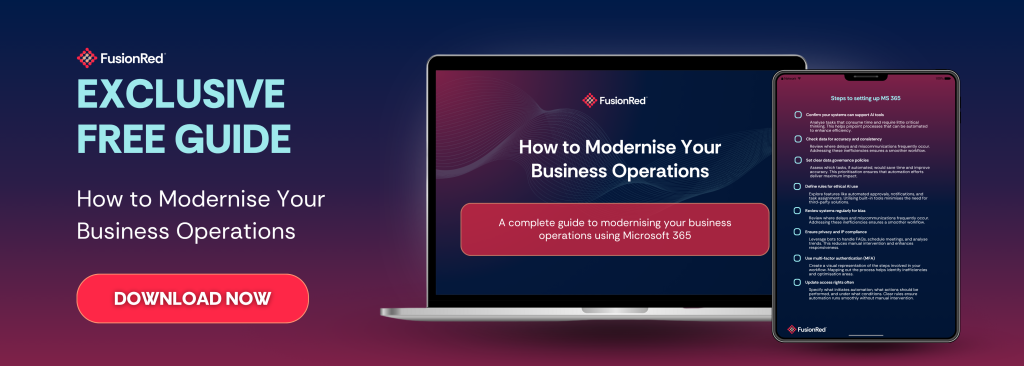
We’ve created a free downloadable guide to help you take the first steps to modernising your operations using Microsoft 365—no technical background required.
Inside the guide, you’ll discover:
Practical ways to streamline operations using tools you already have
Tips to boost collaboration, automate routine work, and strengthen security
Easy-to-follow instructions on implementing changes within your team
Download your free guide today! Stop running your business on outdated systems. Start creating workflows that save time, reduce risk, and support your growth.
FAQs
Question: Do I need to buy anything new to start modernising?
Answer: No. Everything discussed in this blog is already part of most Microsoft 365 Business subscriptions. And if you don’t have it yet, you can still do it using other alternatives!
Question: Isn’t this too complicated for a small team?
Answer: Modernising isn’t about adding complexity. It’s about removing friction. These tools simplify your operations (regardless of your business size)
Question: Will I need IT staff to manage this?
Answer: Not necessarily. With the right setup and guidance, these tools run quietly in the background. Our free downloadable guide can help you achieve just that!
Final Thoughts: Modernisation is Easier than you Think
You don’t need to keep putting out IT fires or chasing productivity through sheer effort.
Modernisation isn’t out of reach. With the right strategy, guide, and Microsoft 365, you can build systems that support your team, protect your business, and scale your business the modern way!
Let FusionRed help you make it happen.
Book a free consultation with FusionRed. Let’s explore how you’re currently using Microsoft 365 (or not using it enough), and we’ll give you a tailored plan on how to modernise your business using the tools you already have.