How to Make AI Your Employee, Not a Subscription
"If you're trying to automate a workflow that hasn't been reviewed, or it's out of date, then you're just going to automate rubbish. And the ROI won't be understood." Rick Baird, Pivot Advisory
The question most business leaders are quietly asking
Somewhere in your monthly spend there's a line item for AI. Maybe a few ChatGPT seats. Maybe Copilot across the business. Maybe both, plus two or three tools someone signed up for and nobody talks about anymore.
The bill arrives every month. The return doesn't.
This isn't a failure of the technology. In our August FusionTalk session, Rick Baird from Pivot Advisory and Paul Ditrih, FusionRed's Managing Director, worked through why AI investments stall in small and medium businesses — and what separates the businesses getting hours back every week from the ones paying for software that sits idle.
The core of it comes down to one shift. Most businesses treat AI as a subscription: something you buy, hand out, and hope people use. The businesses seeing a return treat it as a hire: something with a defined job, a person responsible for the outcome, and a number attached to the result.
This article covers where AI adoption breaks down, what that costs you, what changes when you fix it, and the first move to make this month.
Where AI adoption actually breaks down
Rick works with SME organisations to align what a business is trying to achieve with how it invests in and adopts technology. Across that work, three failures come up repeatedly. None of them are technical.
1. Nobody addressed the spectrum of people using it
Your staff are not one audience. Rick describes four distinct groups sitting inside most businesses:
- The worried. Genuinely concerned about what AI means for their role, their position and their purpose. They avoid it.
- The dabblers. Using expensive plans and expensive models to ask questions and summarise documents. This is where costs start blowing out for very little output.
- The passengers. Hands-off, letting AI drive with too little human oversight. Rick calls this the riskiest group, and the one that increases your exposure most.
- The power users. Getting real value, usually quietly, usually without sharing what they've built.
If your training and awareness effort doesn't address all four, adoption stalls. The worried never start. The dabblers keep burning licence spend on tasks that don't compound. The passengers create risk. And the power users' gains stay locked in one person's workflow.
2. Shiny tool syndrome
Business leaders and employees both feel pressure to do something with AI. So a tool gets bolted onto operations before anyone has defined the problem it's meant to solve.
The result is ad hoc adoption. That increases the risk of hallucination and inaccurate data getting into real work, and it means staff burn hours chasing a problem that was never the priority — while their actual job waits.
3. Aiming too big, too early
The third failure is treating AI as a magical tool and taking a big bang approach. Businesses try to automate huge, complex workflows and expect AI to sort it out.
Rick's filter is simple and worth writing down. If a task takes less than 30 minutes and it isn't recurring, it isn't an automation candidate. If it takes 30 minutes or more and you do it every day, that's where you start.
There's a fourth failure sitting underneath all three, and it's the one that quietly destroys the return: automating a process nobody has challenged.
Most people, Rick says, come in at about 40% of the way through their own process. They think of something mid-stream and bring AI in to support them from that point. The context, the history, the purpose and the reason the process exists are all lost. So the tool automates the version of the process that already didn't work.
Rubbish in, rubbish out — just faster, and now with a licence fee attached.
What this is costing you
The cost of a stalled AI rollout isn't the subscription. The subscription is the smallest number in the equation.
The labour you're still paying for
Rick shared a specific example from a client. After every Teams meeting, someone had to write up the minutes, pull out the action items, put them into the company's branded template, draft the follow-up memorandum of understanding, and send it to attendees.
Done manually, that took an employee 20 to 30 minutes — if they remembered to do it at all. Against an average salary, that's $40 to $70 of effort per meeting. Automated, the same output ran in about 3 minutes for roughly 76 cents. Rick's team tested it specifically to verify the ROI.
$40–$70 per meeting
The labour cost of one manual meeting follow-up, measured against an average salary. It doesn't appear on any invoice, which is exactly why it goes unnoticed. Run that across a week of meetings and it's a real number.
76 cents automated
The same follow-up, produced automatically in about 3 minutes. The consumption charge covers roughly 555 tokens of processing. Rick's team tested it deliberately so the ROI could be verified rather than assumed.
1–2 hours back weekly
What one employee recovers across roughly ten meetings a week. The second return is quieter: follow-up that actually happens every time, which changes how clients experience working with you.
The ROI you never measured
This is the failure Rick returns to most. A staff member automates one task, saves themselves real time, moves onto higher-value work — and never shares it.
There are three phases here. Chat, where you ask and get an answer. Automation, where you trigger a workflow yourself. And agents, where the work runs without you. A single task can move through all three. But the value only compounds when it gets published to everyone else.
Without tracking and reporting, the return stays understated. And understated ROI is why business leaders conclude AI doesn't work for them, cancel the plan, and go back to doing it manually.
The governance you don't have
Rick and Paul have both seen clients running up to eight AI tools inside their network with no governance or controls at all.
AI adoption is viral by nature. Someone finds a tool, it works, they tell two people. Within a quarter you have company data moving through platforms nobody approved, and a real risk of data exfiltration and staff surfacing information they shouldn't have access to.
For a business in a regulated industry, or one holding client data, this isn't a productivity problem. It's an exposure problem, and it's usually invisible until something goes wrong.
What changes when you treat AI like a hire
A hire has a job description, a manager, and a review. Applying the same three things to AI is what turns a subscription into a return.
A defined job. One recurring task, over 30 minutes, done regularly. Not a category — a specific task with a specific output.
A named owner. One person responsible for the outcome, not for the tool. They report on whether it worked.
A measurable result. Hours saved and dollars saved, tested and verified — the way Rick's team verified 76 cents against $40 to $70.
Shared, not siloed. Once it works for one person, it gets published to the team. That's where the ROI compounds instead of sitting in one workflow.
Controlled adoption. Approved tools, clear policies, and peer review — so the productivity gain doesn't arrive with a data risk attached.
There's a benefit here that doesn't show up in a spreadsheet. When employees stop holding onto tasks and start thinking about how work could be done differently, they use AI as a coach rather than a search engine. They research and prototype at a level their own skills wouldn't have reached. Rick describes staff becoming reinvigorated by their work — less stress, less anxiety, more time on human-led activity and on each other rather than sitting siloed.
The first move to make
Paul asked Rick directly: for a business leader with repetitive manual tasks, what's the first step? Rick's answer had nothing to do with buying anything.
- Open it up to the team. Run a think tank. Let employees contribute problems worth solving and say plainly what they're worried about. Everyone ends up facing the same direction and understanding what can be shared.
- Rank the problems. As a group, score them on effort, importance and impact. Start with small wins, not the biggest process in the business.
- Form a pilot group. Ideally one person from each department. Not to exclude anyone — to give the rollout controls and governance, so models and automations aren't doing unreviewed work across the business. Those people then filter what works out to the rest of their team.
- Map the process before you automate it. Capture the high-level tasks, action items and decision points, then look at it through the lens of people, process, systems and data. You'll see who's involved, which systems get touched, how many times the same data is re-entered, and how much time goes into admin. That map is where the automation candidates become obvious.
- Choose the tool after you choose the problem. Don't collect tools you saw on a social feed. Define what you're solving, then research what actually does it. And decide collectively which tools are permitted in your environment.
- Put feedback loops in place. This is iterative. Don't take the first answer from the model, and don't take the first version of the workflow as final. Measure the outcome and report it back.
Make It Easier with Our Free Guide
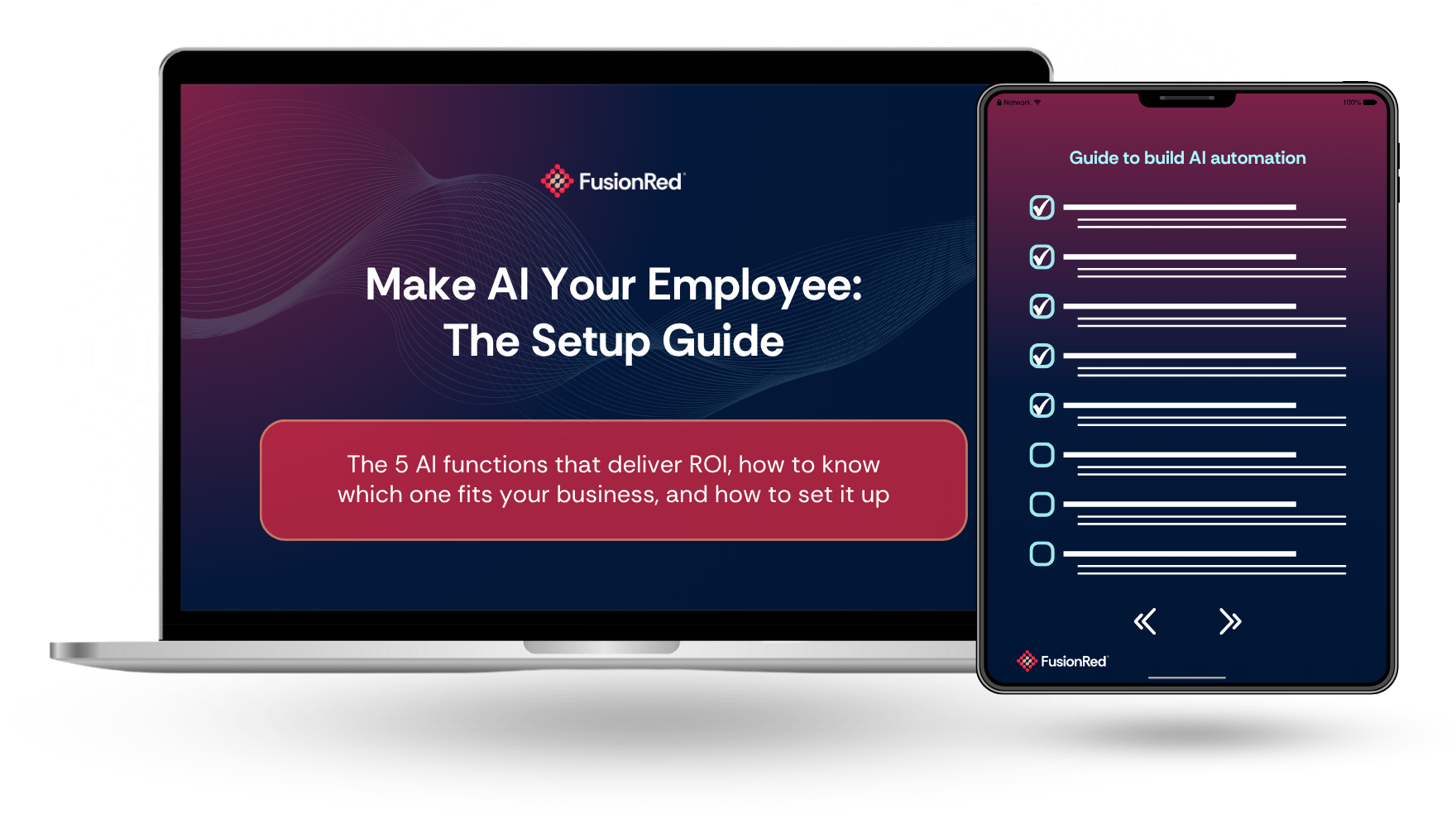
We turned the session into a practical setup guide you can work through with your team. It's built for business leaders who already pay for AI and want to see what it's returning.
- How to pick the first task worth automating, using the 30-minute rule
- A simple way to map a process before you automate it
- How to calculate the real ROI in hours and dollars
- What to put in place so tools stay governed as adoption spreads
- The structure of a pilot group that doesn't stall
Frequently Asked Questions
Chat is you asking a question and getting an answer — useful, but capped, because it needs you present every time. Automation is a workflow that runs when triggered and produces a finished output, like meeting minutes formatted into your branded template with action items and a drafted follow-up email. Agents are the next step again, where the work runs on a schedule without you starting it. The return grows as you move along that line.
Chat tools are usually a flat licence — you pay a monthly fee and use as much as you like. Automation and agent tools are typically consumption-based, so you pay for the processing each task uses. Rick's meeting-notes automation used about 555 tokens per run, costing roughly 76 cents against $40 to $70 of manual labour. The cost is real and needs planning for, which is exactly why a controlled rollout beats handing everyone a licence.
Usually not. Most businesses already pay for capability they aren't using. Before adding anything, find out what's already licensed, what staff are already using, and which recurring task is costing the most time. New spend should follow a defined problem, not the other way around.
Pick one recurring task. Time it manually and cost it against the salary of whoever does it. Automate it, then time and cost the automated version including consumption charges. Compare, then multiply by how often the task runs. Report it — an unmeasured saving is one nobody else in the business will adopt.
Something recurring that takes 30 minutes or more and happens daily or weekly. Meeting follow-ups, report generation, data re-entry between systems, and standard client communications are common starting points. Avoid anything complex, one-off, or that nobody has reviewed in years.
Only with controls. Eight ungoverned AI tools in a network is a data exfiltration risk, not a productivity story. You need an approved tool list, clear policies on what data can go where, peer review on automated output, and staff trained to use it safely. That's a manageable piece of work, and it's far cheaper than the alternative.
Final thoughts
The businesses getting a return from AI aren't the ones who bought the most tools. They're the ones who gave AI a job, made someone responsible for the outcome, tested what it saved, and shared it across the team.
That's not a technology project. It's a management decision, and it can start this month with one recurring task and one small group of people willing to look at how the work is actually done.
Take action
If you're paying for AI and can't point to what it's returning, that's worth 30 minutes of conversation.
Book a free consultation with FusionRed. We'll look at what you're already licensed for, where the recurring time is going, and which task is worth automating first.
Book a Free Consultation